
Flat glass jobs repeat certain information even when the jobs themselves are different.
Residential work may use many of the same room names from one house to the next. Commercial jobs often use familiar group names such as Entry, Lobby, Office, or Conference. A shop may also have normal rates for removal and attachment, tax rates it uses regularly, a standard deposit requirement, or additional charges that come up often.
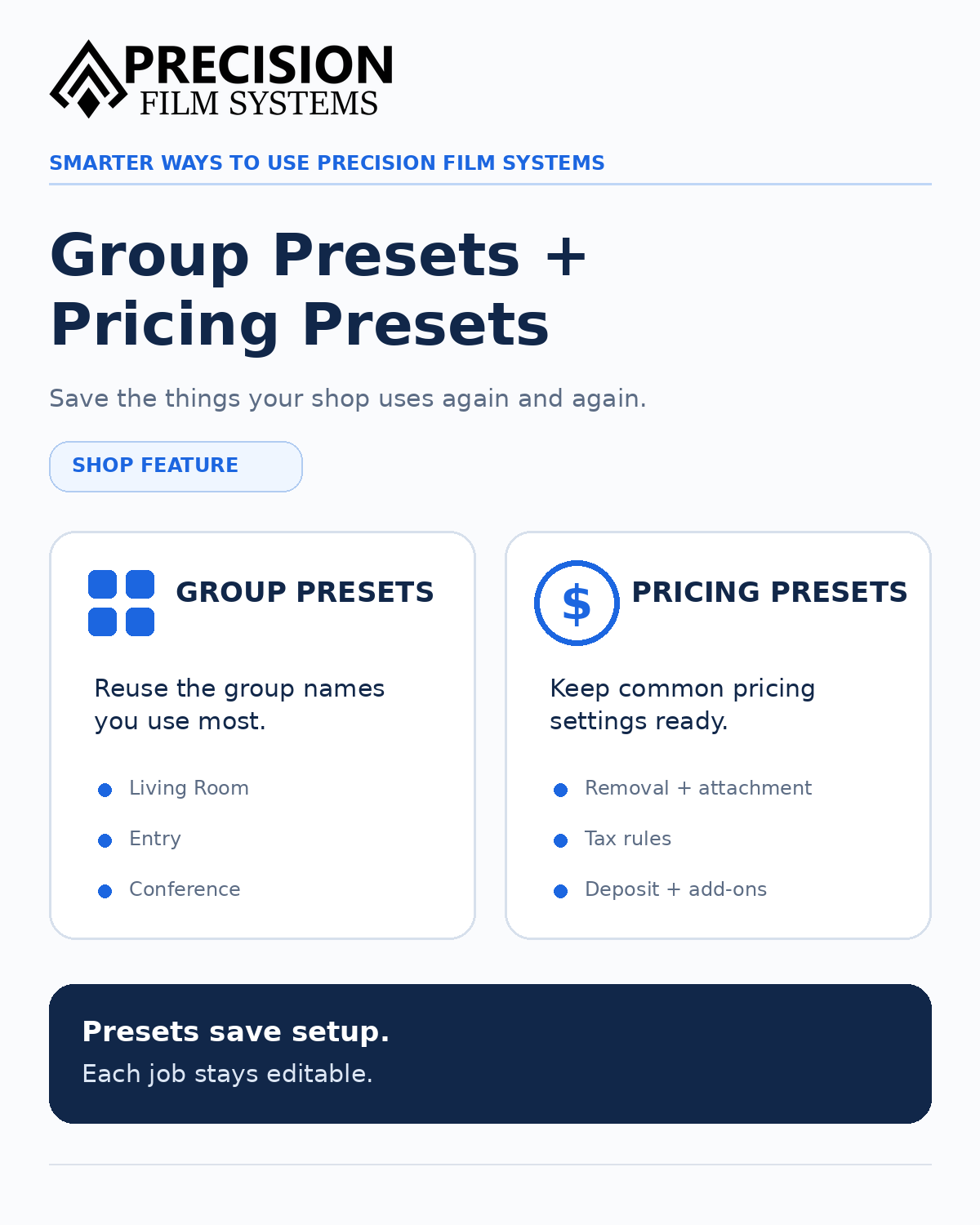
Group Presets and Pricing Presets in Precision Film Systems let Shop users save those recurring pieces so they are available when a job needs them.
The presets give the shop a starting point without forcing every job to use the same setup.
Both features are included with Shop and are not available on Solo or Flex.
Save the group names you use regularly
Group Presets keep separate reusable lists for residential and commercial work.
A residential list might include Living Room, Dining Room, Master Bedroom, Master Bath, and Kitchen. Commercial presets might include Entry, Lobby, Office, and Conference.
When those names fit a new job, Bulk Add Groups shows the saved presets and lets the user select the ones they want. Custom group names can be added at the same time.
Nothing is automatically added just because it is saved as a preset. A job only gets the groups selected for that job.
The saved preset stays unchanged
Once a preset group has been added, the group inside the job can be renamed or edited without changing the saved preset.
A saved Conference preset might become Conference Left and Conference Right on one project while Conference remains available for the next one.
The preset saves the repeated entry. The job can still be organized around the building in front of you.
Keep normal job charges ready
Pricing Presets can store rates the shop uses regularly, including removal and attachment pricing.
Those saved rates are available in the Job/Scope Quote when the job is being priced. The shop can decide whether the default applies and change the individual job when it does not.
For example, a normal attachment rate can already be there when attachment is part of the project instead of being looked up and entered again.
The preset is the normal starting rate, not a price that every job is required to use.
Set a normal deposit requirement
If the shop normally requires a deposit, the percentage can be saved as the default for new estimates.
A shop that usually requires 25% can have that amount carried into the estimate setup instead of entering it each time.
The requirement belongs to the estimate terms. Precision Film Systems does not process the payment itself.
Save the tax rates you actually use
Pricing Presets can also store tax rates the shop deals with regularly.
Optional state, city, and ZIP rules can be attached to a saved rate. When the job-site address matches one of those rules, Precision Film Systems can select that rate in the Job/Scope Quote.
The shop can choose which parts of the quote are taxable, including film, removal, attachment, and add-ons.
The selected tax rate can still be changed for the individual estimate. The shop remains responsible for the rates and matching rules it saves.
Reuse charges that come up often
Some charges show up often enough that entering them as a new line item every time gets repetitive.
A shop might regularly charge for ladder work, lift rental, mobilization, or another service that does not belong in the normal film, removal, or attachment pricing.
Those charges can be saved as add-on presets using either a flat amount or a percentage.
When one belongs on a job, it can be selected in the Job/Scope Quote. A charge that only applies once can still be entered directly without creating a preset for it.
There is no reason to build a preset for every possible charge. The ones worth saving are the ones the shop actually uses again.
Presets do not make every job the same
A residential preset list may cover most of the rooms on one house and almost none of them on the next. A saved attachment rate may work for most jobs and need to change on a difficult installation. A tax rule may match automatically and still need to be reviewed before the estimate goes out.
That flexibility is the point.
The information that repeats is already available. The parts that are different stay specific to the job.
Frequently asked questions
Are Group Presets automatically added to every job?
No. Bulk Add Groups lets the user choose which saved presets belong on the job. Custom groups can also be added.
Can I rename a group after adding it from a preset?
Yes. Editing a group inside a job does not change the saved preset.
Are residential and commercial presets separate?
Yes. Precision Film Systems keeps separate reusable group lists for residential and commercial jobs.
What can Pricing Presets save?
Pricing Presets can store recurring settings such as removal and attachment rates, a default deposit requirement, saved tax rates and matching rules, and reusable additional charges.
Can I change a saved pricing default on an individual job?
Yes. The Job/Scope Quote can use the saved pricing default or be adjusted for the individual job.
Can tax rates be selected from the job address?
Yes. Saved tax rates can use optional state, city, and ZIP rules to match the job-site address. The user can still change the tax selection for the estimate.
What types of add-on presets can I save?
Add-on presets can use a flat rate or a percentage.
Do I need a preset for a one-time charge?
No. A custom charge can be added directly to the Job/Scope Quote.
Which Precision Film Systems plans include Group Presets and Pricing Presets?
Both are Shop features. They are not available on Solo or Flex.